

Description
Download 1 File Viewer – Secure, Free Desktop File Manager for Windows, Mac & Android
Looking for a powerful yet lightweight file management tool? 1 File Viewer is a modern, all-in-one desktop application that redefines how you organize, access, and interact with your digital files. Designed with simplicity and functionality in mind, this free software offers a unique interface that stands out from traditional file managers. Whether you're managing documents, editing office files, playing media, or handling compressed archives, 1 File Viewer delivers a seamless experience across Windows, Mac, and Android devices. Its intuitive layout ensures even beginners can navigate effortlessly, while advanced users appreciate the built-in editing tools and file compression support. With secure file handling, regular updates, and cross-platform compatibility, 1 File Viewer is a must-have tool for anyone seeking efficiency and convenience in file management.
Key Features of 1 File Viewer
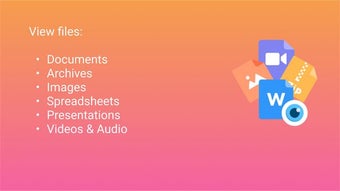
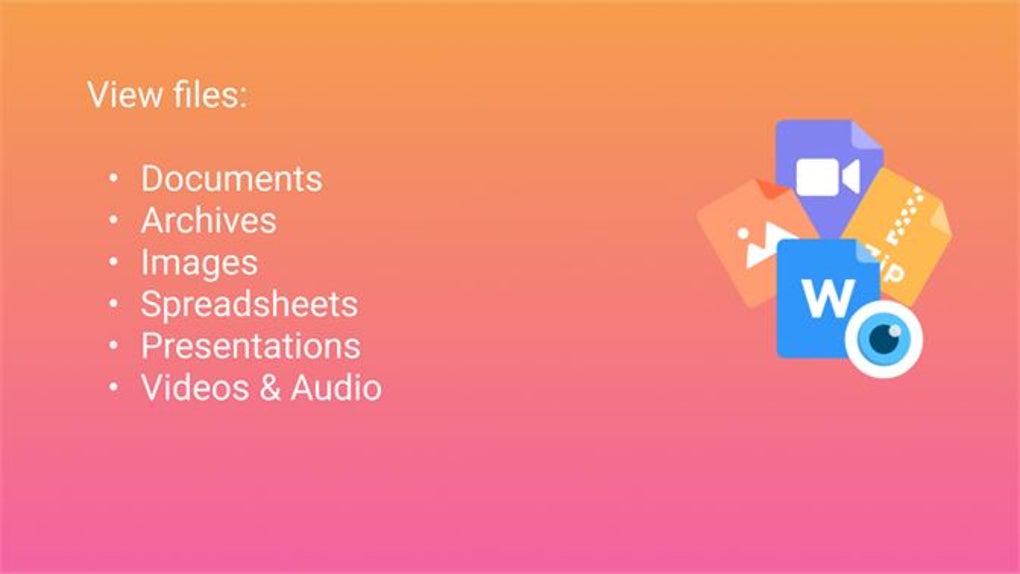
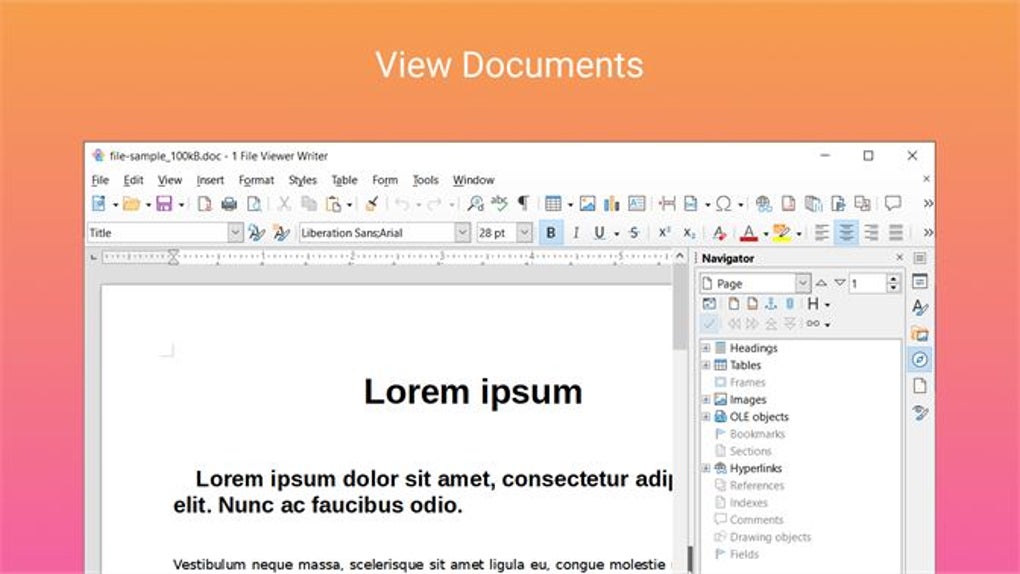
1 File Viewer isn't just another file manager—it’s a complete digital workspace designed to simplify your daily tasks. One of its standout features is its universal file compatibility. You can open, view, and even edit files in formats like .DOCX, .XLSX, and .PPTX without needing Microsoft Office installed. This makes it ideal for users who frequently switch between devices or work in environments where software installation is restricted.
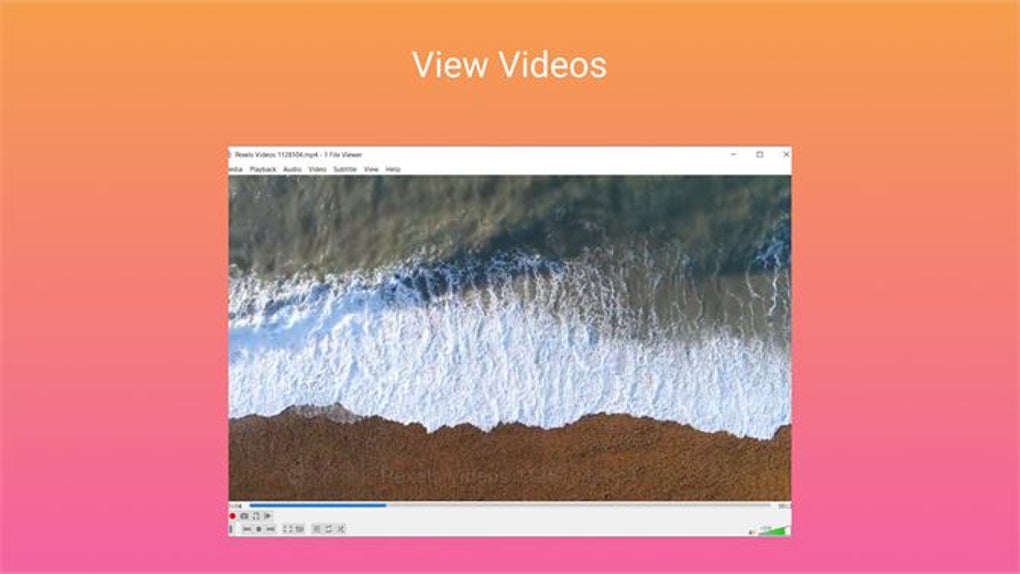
Another major advantage is its integrated media player. Unlike most file managers that only allow file browsing, 1 File Viewer lets you play videos and audio files directly within the app. This eliminates the need to switch between applications, boosting productivity. Whether you're reviewing a training video or listening to a podcast, everything stays in one place.
The app also supports zip and RAR file handling, allowing you to extract and compress archives with just a few clicks. This feature is particularly useful for users who regularly download or share large files. Additionally, 1 File Viewer can open and preview email exports (such as .EML files), making it a valuable tool for professionals managing client communications or organizing email records.
For those who value security, the software includes encrypted file access and local-only processing, meaning your files never leave your device. With regular updates, a clean UI, and a focus on performance, 1 File Viewer delivers a reliable, future-proof solution for modern file management needs.
How to Install and Use 1 File Viewer on Your Devices
Getting started with 1 File Viewer is quick and straightforward. Begin by visiting the official website and downloading the version that matches your operating system—whether you're using Windows 10/11, macOS, or Android. The download is free, fast, and secure, with no bundled adware or third-party software.
Once downloaded, run the installer. On Windows, simply follow the on-screen prompts. On Mac, drag the app into your Applications folder. For Android users, install the APK file after enabling “Unknown Sources” in your device settings. After installation, launch the app and grant necessary permissions for file access.
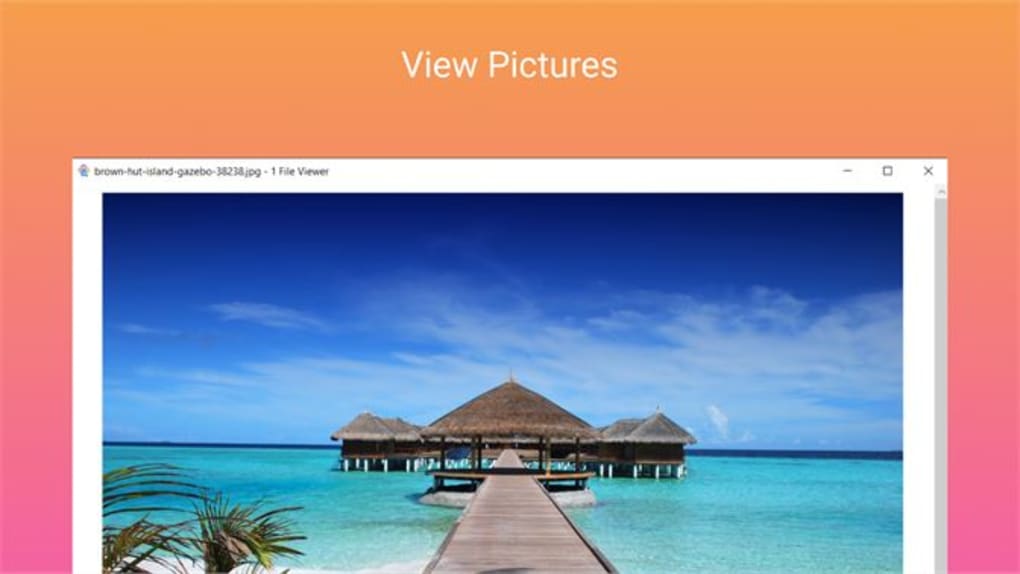
Upon opening, you’ll be greeted by a clean, minimalist interface that divides your files into categories: Documents, Media, Archives, and Emails. To view a file, simply double-click it. For editing, click the “Edit” button—no external software required. To manage archives, right-click a .ZIP or .RAR file and choose “Extract” or “Create Archive.” The built-in search function lets you find files by name, type, or date, making retrieval effortless.
For users managing large collections, the app supports custom folder tagging and quick preview thumbnails, enhancing navigation speed. You can also set up favorite folders for instant access. With minimal learning curve and powerful tools, 1 File Viewer becomes your go-to file assistant in no time.
Compatibility and System Requirements
1 File Viewer is engineered to run smoothly across multiple platforms, ensuring you can manage your files regardless of device. It is fully compatible with Windows 7 and later, including Windows 10 and 11. The Mac version supports macOS 10.14 (Mojave) and newer, including Apple Silicon (M1/M2) Macs for optimal performance.
For mobile users, the Android app is available for devices running Android 8.0 (Oreo) and above. The app is lightweight, consuming minimal RAM and storage space—perfect for older or low-end devices. It also works seamlessly with cloud storage integrations like Google Drive, Dropbox, and OneDrive, allowing you to access files from the cloud directly within the app.
System requirements are modest: a dual-core processor, 2GB RAM, and 100MB of free disk space. This ensures broad accessibility, even on budget machines. The software is regularly updated to maintain compatibility with new OS versions and security patches. All versions are available for free download, with no trial limitations—just pure functionality from day one.
Pros and Cons of 1 File Viewer
Pros:
- Free and ad-free download – No hidden costs or intrusive ads.
- Universal file support – Opens and edits DOCX, XLSX, PPTX, PDF, and more.
- Integrated media player – Play videos and audio without external apps.
- Archive management – Extract and compress ZIP/RAR files in-app.
- Secure local processing – Your files stay on your device.
- Cross-platform sync – Works seamlessly on Windows, Mac, and Android.
- Fast and lightweight – Low resource usage, even on older systems.
Cons:
- No built-in cloud backup – You’ll need to use external services.
- Limited collaboration tools – Not ideal for team-based file sharing.
- Basic interface – May feel too simple for advanced users.
- No built-in OCR – Can’t extract text from scanned documents.
- Android version lacks advanced features – Some functions are limited on mobile.
Frequently Asked Questions (FAQ)
Is 1 File Viewer free to download and use?
Yes, 1 File Viewer is completely free to download and use on Windows, Mac, and Android. There are no trial periods, hidden fees, or premium subscriptions. All core features—including file editing, media playback, and archive handling—are available at no cost.
Can I edit Word, Excel, and PowerPoint files in 1 File Viewer?
Absolutely. 1 File Viewer supports editing of common office file formats like .DOCX, .XLSX, and .PPTX. You can make changes directly within the app and save them back to your device. No need to install Microsoft Office or other third-party software.
Does 1 File Viewer support compressed files like ZIP and RAR?
Yes, the app includes full support for ZIP and RAR archives. You can extract files with a single click and create new compressed folders directly from the interface. This makes file sharing and storage management much easier.
Is 1 File Viewer safe to download and use?
Yes, 1 File Viewer is a secure software developed by a trusted team. It uses local processing, meaning your files are never uploaded to servers. The download is virus-free and verified by multiple security platforms. Always download from the official website to ensure safety.
Can I use 1 File Viewer on my Android phone or tablet?
Yes, a fully functional Android version is available. It supports file browsing, media playback, and archive handling. While some advanced features are optimized for desktop, the mobile app is still powerful and convenient for on-the-go file management.
Final Verdict: Why You Should Download 1 File Viewer Today
1 File Viewer stands out as a secure, free, and feature-rich alternative to traditional file managers. With its intuitive design, universal file support, and built-in tools for editing, media playback, and compression, it streamlines your digital workflow. Whether you're a student, professional, or casual user, this software simplifies file management across Windows, Mac, and Android devices.
While it lacks advanced collaboration features and cloud backup, its core functionality is unmatched in its category. The app is lightweight, fast, and regularly updated, ensuring long-term usability. For anyone tired of juggling multiple apps for file tasks, 1 File Viewer offers a unified, efficient solution.
Ready to simplify your file management? Download 1 File Viewer now—it’s free, secure, and ready to use in minutes.
Guides & Tutorials for 1 File Viewer
How to install 1 File Viewer
- Click the Preview / Download button above.
- Once redirected, accept the terms and click Install.
- Wait for the 1 File Viewer download to finish on your device.
How to use 1 File Viewer
This software is primarily used for its core features described above. Open the app after installation to explore its capabilities.
User Reviews for 1 File Viewer 0
No reviews found





